Use Copilot in the site admin as an Editor or Admin when a recorded event, including a custom event, needs its own reporting measure. Review the saved definition under Insights > Analytics > Measures. Adding the definition collects nothing new and does not publish a page.
Checked against the product’s code on 7 November 2026.
Choose what to count
Section titled “Choose what to count”Start with Events and capture to find the real event in this site’s catalog. Decide whether the measure should count:
- Occurrences of that event.
- Distinct visitors who sent that event.
- Distinct sessions that contain that event.
- The total of a numeric property sent with that event.
For a numeric total, use a property the event actually records as a number. Defining a measure does not supply missing events or property values.
Add the definition
Section titled “Add the definition”- Open Copilot in the site admin. The conversation is ready for your request.
- Ask it to show the catalog entry for your event. Check that the returned event is the one you want to count.
- Type “Add a new measure called [label] that counts occurrences of [event]. Give it the new stable key [key].” Replace the brackets with your real label, catalog event and a new lowercase key with underscores between words.
- Choose Send. This definition saves without an approval card; the result names the measure and its saved version.
- Open Insights > Analytics. The reporting tabs appear.
- Open Measures. Find your measure by its label and check what it counts.
For the other basic counts, ask to count distinct visitors or distinct sessions for that event instead. For a total, ask to sum the named numeric property. Give the copilot the exact recorded event and property rather than asking it to invent them.
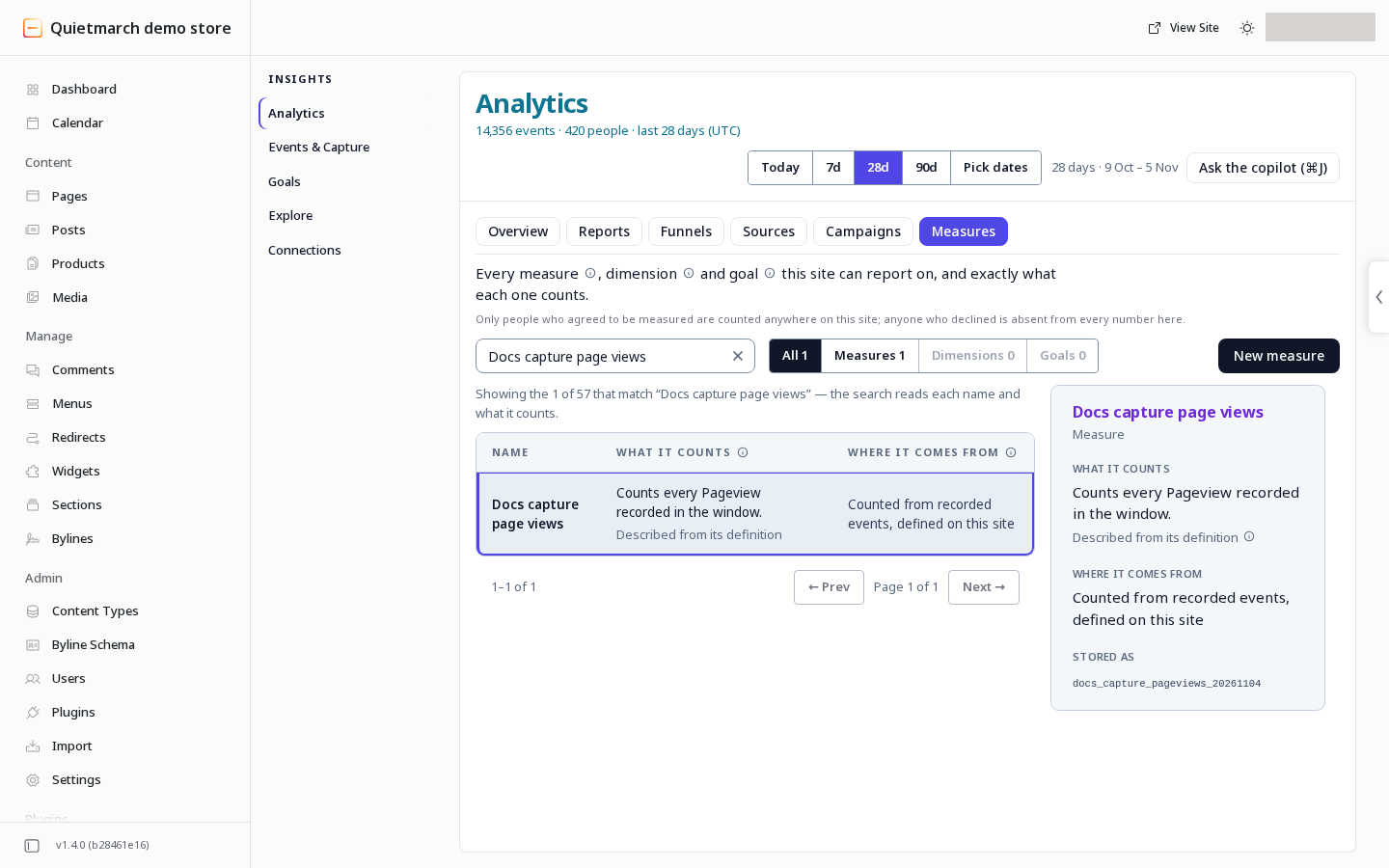
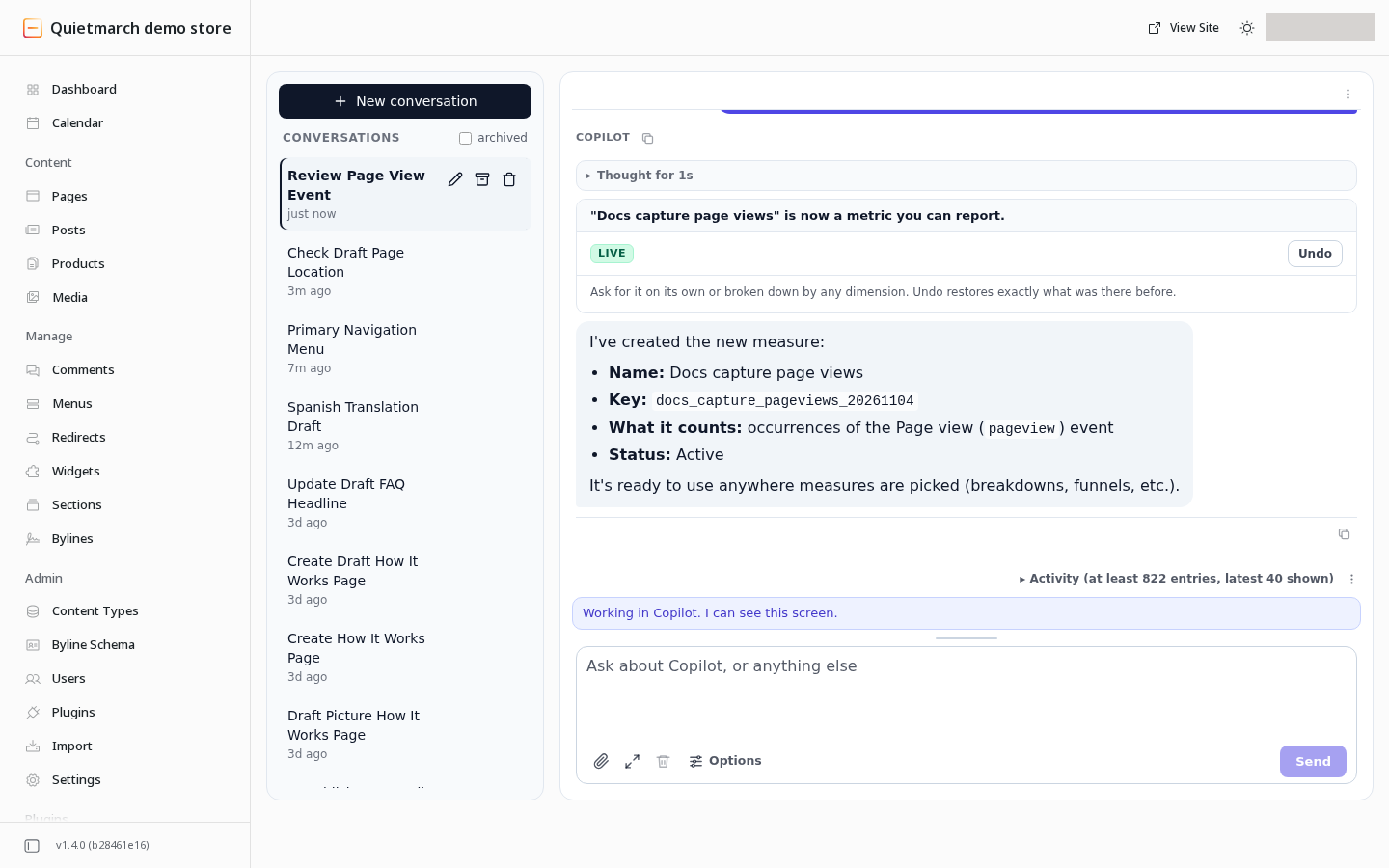
The measure is available to reports immediately. Follow Analytics reports and sources to use it. The New measure form teaches Journey, Ratio and Capped count; use Measures and retention for those tasks.
Change or undo it
Section titled “Change or undo it”Use a new key for a new measure. Changing the definition saved under an existing key changes the meaning of that measure and can restate saved reporting views. Platform measures cannot be overwritten. A measure used by a locked active experiment plan can refuse a change.
The copilot receipt’s Undo removes a new definition or restores the one it replaced. Read the result before relying on a reversal after other changes. See Reporting measures for the request and its Undo boundary.
Your next step
Section titled “Your next step”Use Reports, sources and funnels to read a report with the saved measure. Check its definition under Insights > Analytics > Measures whenever its meaning is unclear.