Checked against the product’s code on 7 November 2026.
Before launching your site, open Site > Readiness to see Readiness report. It combines a scan of the public home page with the site’s current bot and agent access policy.
The scan reads the site’s public home page at its main address. Publish the intended home page and choose the correct front page before using the report to assess that content. Other pages need their own review.
Read the report
Section titled “Read the report”-
Choose Rescan to request a fresh reading.
-
Read the score and status.
-
Read the checks beneath them. For each row, read Status, Check and Detail together.
-
Review any scan warnings.
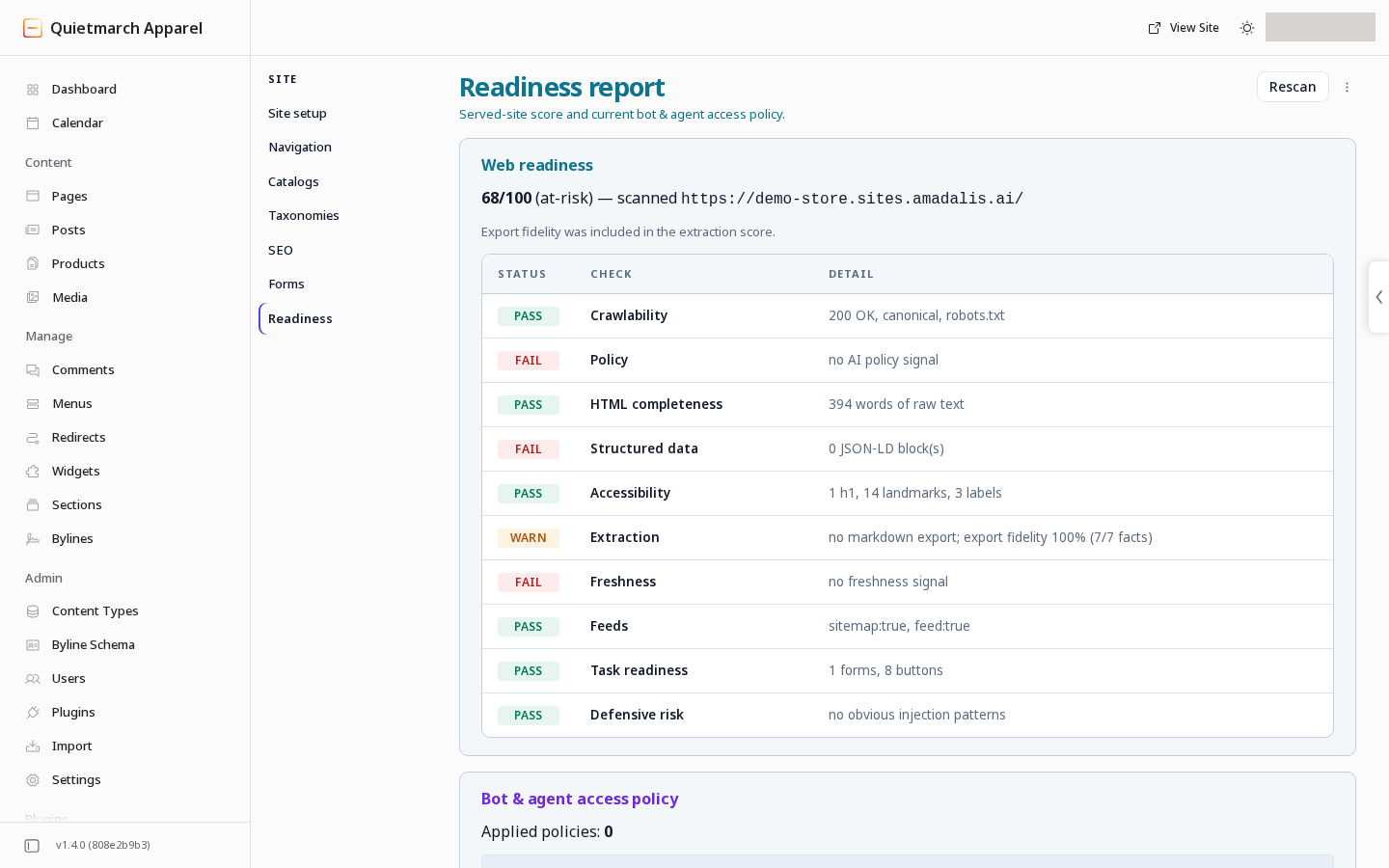
A fresh scan of the served root. The demo store’s home address scores 68 out of 100 in this picture, and the Pass, Fail and Warn rows show the checks behind that score.
-
Correct the named content or configuration in its owning screen.
-
Return to Readiness.
-
Choose Rescan.
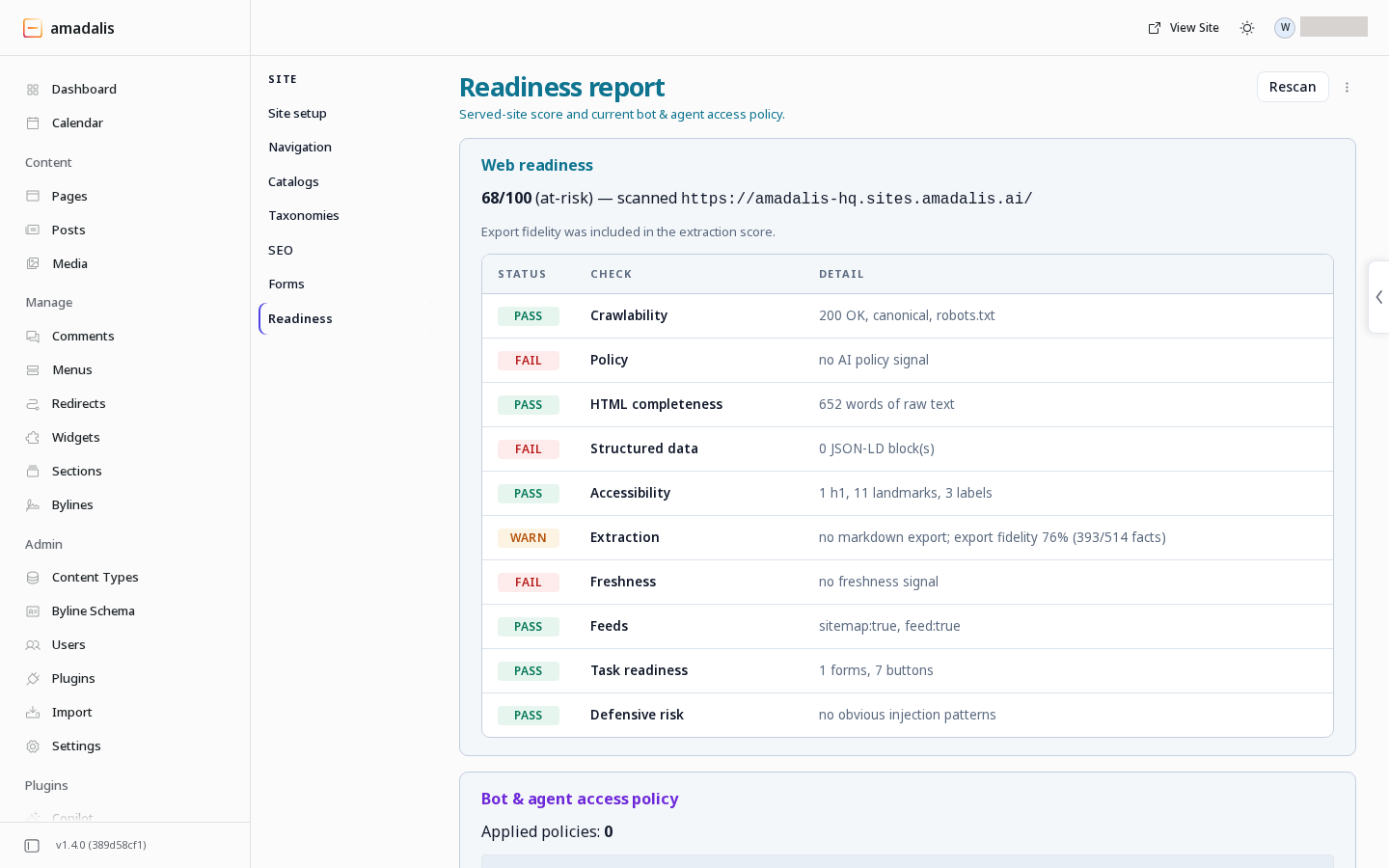
The score is out of 100 and combines the checks beneath it. Read each Detail to see what passed, failed or needs attention. A higher score describes this scan; review the individual findings before deciding what to change.
Rescan reads the site; it does not make the proposed fixes. Use SEO for search metadata, the Composer for page content and redirects for old addresses.
The report can refresh after a copilot change that affects the served site. If it says that refresh failed, use Show the latest or Rescan before relying on the old report.
Review crawler and agent access
Section titled “Review crawler and agent access”Bot & agent access policy shows the applied policy, its last application when recorded, the current robots.txt text and any site-wide indexing header.
An approved policy changes the live crawler instructions and headers. Its Undo restores the prior policy.
- Describe the access you want to the copilot.
- Read Apply this bot-access policy?.
- Choose Apply bot policy to approve or Keep the current policy to decline.
A crawler instruction does not provide access control for private content. Protected content also needs the site’s access controls. See the machine-readable site guide for the published files and their roles.